|
Hi ,
I've been getting some good questions about backups from AskBob readers, so I decided to answer those today, and also remind you that tomorrow (Sunday) at midnight is the end of the Launch Sale for "BACK IT UP!".
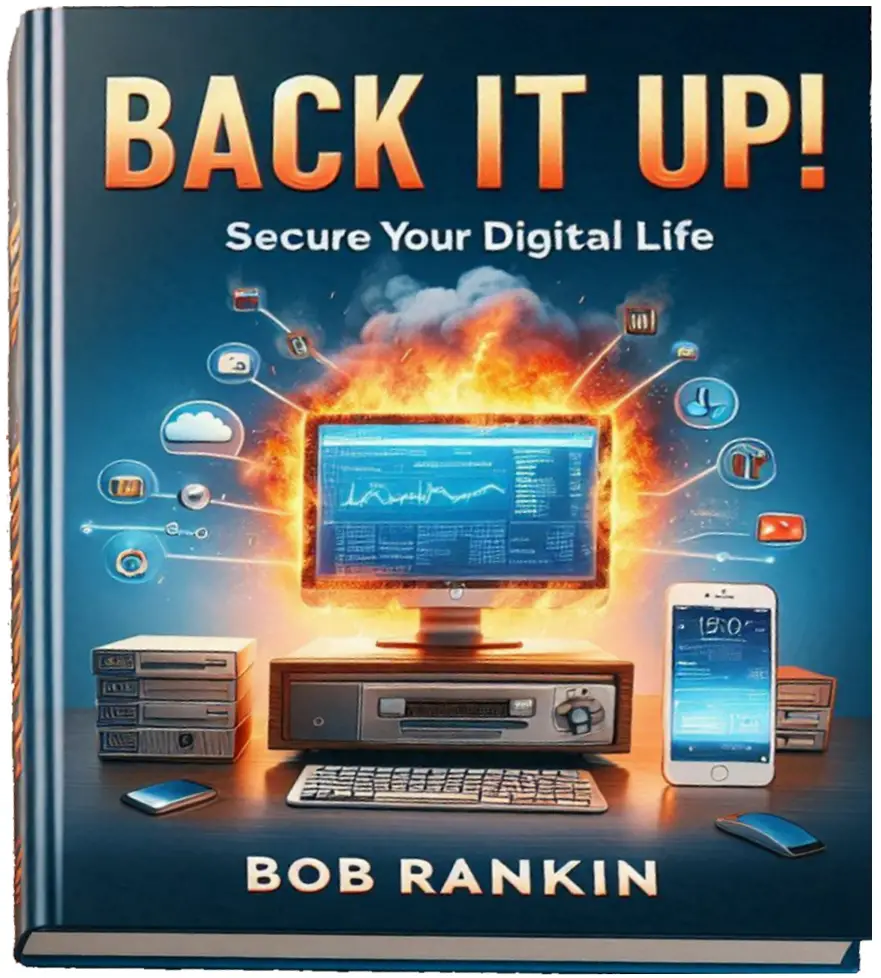
After tomorrow, the introductory AskBob Insiders price of $17 will vanish, along with the two bonuses: "Money-Saving Consumer Tips", and "The Wifi Security Checklist". Orders placed
after Sunday, Mar 23rd will be charged the full retail price of $27.
Now, let's do some backups Q&A...
Q: How could my backup, which is a portion of my hard drive, possibly help me if my hard disk fails?
A: It can't. That's why it's so important to make backups on EXTERNAL media (such as a USB flash drive or external hard drive). If your main drive fails, it can be restored or replaced by the data from your backup.
Q: If your hard drive is fried, how do you fire up your backup software?
A:Good question! Here's how that works. When you make a backup with Macrium Reflect (and other backup tools) you can create a bootable rescue CD. If you hard drive is fritzed, you boot with the CD, and it starts the backup program so you can restore your data.
Q: How can I know if my backup program is working properly?
A: Most backup programs have a "verify" option, which tests the integrity of the backup image immediately after it is created. You can also test your backup by mounting the image, and browsing through the folders and examining a selection of files. Usually double-clicking on the image file that's stored on your backup device will mount the image file as a virtual hard drive, which you can explore just like any other drive.
Q: My backups are all encrypted. What would happen if I lost or forgot the decryption key (password) for the backups?
A: If you don't have the decryption key, your data is lost forever. Unless, perhaps, you have a friend at the NSA. And even then, it's probably hopeless. If you think losing the key is a possibility, you might want to write it down on paper and stash it in a fire-proof safe, or give it to a trusted friend or attorney.
Q: I've heard you say "Back up your backup." What exactly does that mean?
A: I do recommend having multiple layers of backup. One way is to have a set of external drives that you swap each month, storing the other one offsite or in a fireproof safe. You can also keep an encrypted copy of your backup on a remote server, or on a friend's computer.
Once again, here's the information and ordering page for the "BACK IT UP!" ebook: CLICK
HERE
Regards,
Bob
P.S. -- Many readers have told me that they love the book and are learning a lot. That's so encouraging to me! If you've been
meaning to get your copy at the discounted price, there's not much time left. Grab your ebook now, before the sale ends on Sunday night.
P.P.S. -- I really do have a "no questions asked" refund policy. You can keep the ebook for a full year, and if you're not satisfied, I'll happily refund your money. I can make this promise because I know that if you follow my advice, it will be worth MANY TIMES the price you pay for the information provided.
|